Hundreds of devices. One IT budget.
Education runs on shared hardware, a young user base and a funding cycle that turns once a year. The estate has to survive being used hard by people who did not choose it, and be ready on the first morning of September.
The estate has to be ready on the first morning of September. There is no second attempt.
Schools have a single hard deadline and a long quiet window to prepare for it. That inverts normal IT planning: the work happens in July and August, procurement decisions are made a full year ahead, and anything not ready by the first bell stays broken until the next holiday. Everything below is arranged around that calendar rather than around a rolling monthly cadence.
Five failures that land in September.
All five are avoidable in July. Almost none are fixable in the first week of term.
| Failure | Why it happens here | What we do about it |
|---|---|---|
| 01Wi-Fi collapses under a full timetable | Why it happens hereCoverage was designed for staff numbers, then every student arrived with two devices | What we do about itDensity-based design and testing under real load, not a coverage map drawn on a floor plan |
| 02Shared devices take fifteen minutes to sign in | Why it happens hereRoaming profiles and unmanaged updates on hardware that is three years past its plan | What we do about itDevice management with fast sign-in, and a refresh plan budgeted a year ahead |
| 03Content filtering is inconsistent | Why it happens hereIt works on the school network and not on a device taken home | What we do about itDNS filtering applied per device rather than per network |
| 04Student accounts persist for years | Why it happens hereNobody owns the leavers list, so accounts and data accumulate indefinitely | What we do about itIdentity lifecycle tied to enrolment, with dated accounts and scheduled disposal |
| 05Summer projects overrun into term | Why it happens hereWork started in August with no contingency for a delayed delivery | What we do about itProcurement placed in spring, deployment in early July, contingency built into the plan |
The single biggest determinant of a smooth September is when the hardware was ordered. That decision belongs in the previous spring.
Student data, and what the network allows.
Two obligations sit side by side in education: protecting information about young people, and controlling what they can reach while in your care.
The security stack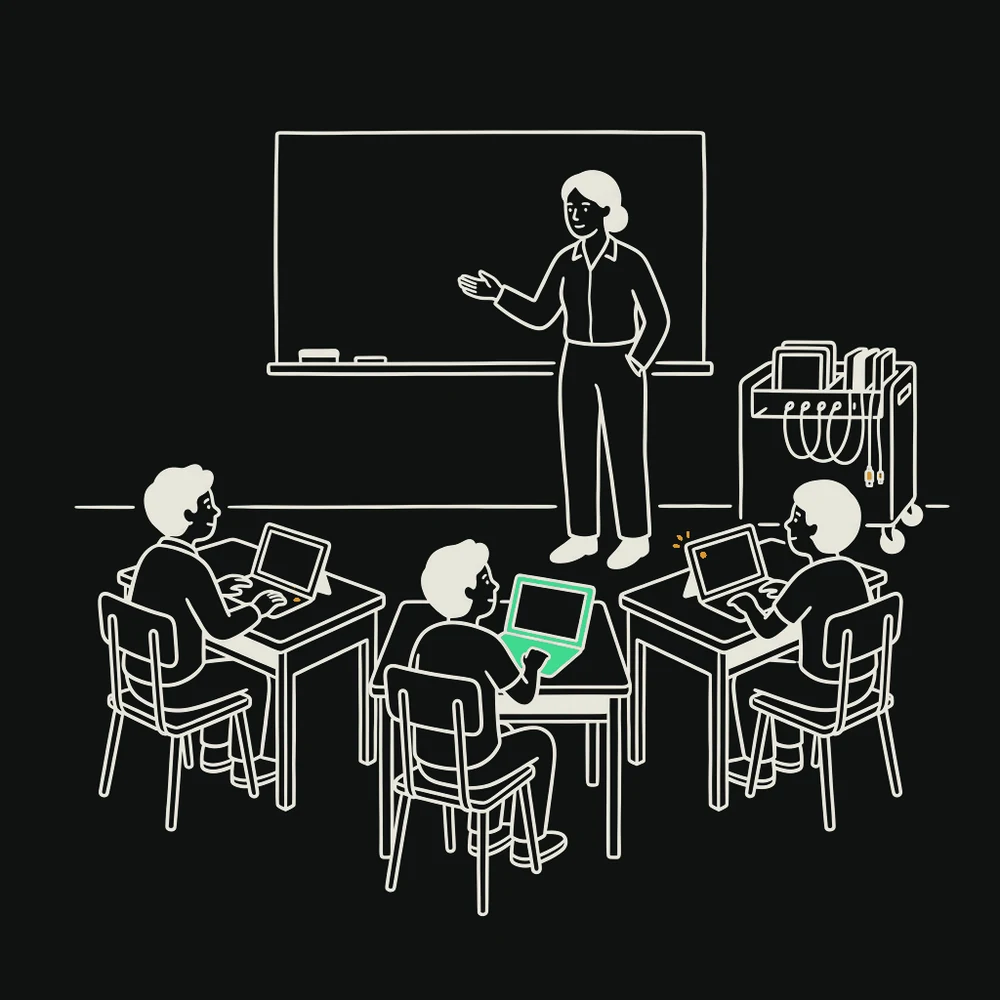
Filtering that travels with the device
A filter applied at the school firewall protects nobody on a bus. Device-level DNS filtering follows the laptop home, which is where the duty actually gets tested.
Separate networks for separate people
Staff, student and guest traffic isolated from each other. A student device should never be able to reach the administrative systems, and this is a design decision rather than a policy statement.
Accounts tied to enrolment
Joiners and leavers driven by the student record rather than a spreadsheet. Accounts that outlive attendance are both a security risk and a licensing cost.
Records handled deliberately
Student information retained for as long as obligation requires and no longer, with disposal applied to backups as well as live systems.
When the work actually happens.
Education IT is seasonal in a way no other sector is. The calendar decides everything.
Plan and procure
Refresh decisions, budget submission, orders placed. The single highest-leverage month of the year.
Deploy
Imaging, reconfiguration, network work. The only window where disruption costs nothing.
Test under load
Sign-in, Wi-Fi density and printing tested properly before anyone depends on them.
Hold
Peak support demand. Everything either works or is visible immediately to several hundred people.
Steady
Monitoring, patching in holidays, and preparing next spring’s plan while this year is still fresh.
A school cannot absorb an unplanned capital cost mid-year, so lifecycle planning is not administrative tidiness — it is the difference between a managed refresh and a device that limps through another term. We produce the refresh plan with costs and dates in time for your budget submission, not after it.
For a school, in this order.
Ask any provider you are considering when they would start work on your September. If the answer is not "the previous spring", they have not run a school year. Further reading for schools: managing the small computers nobody calls computers, and training a team to spot phishing. The layers behind this list are DNS filtering, the managed firewall and EDR.
The ones schools actually ask.
If yours isn’t here, ask it directly — you’ll get an answer from an engineer, not a form letter.
Both. Most schools we see are Microsoft-centred with some Google in specific departments, and there is rarely a good reason to force consolidation. What matters is that identity is authoritative in one place.
Yes, and the planning starts in spring. Deployment in early July with contingency built in; anything begun in late August is a gamble on a delivery date.
Device-level DNS filtering that travels with the laptop. Filtering at the school firewall only protects a student sitting inside the building, which is not where the risk is.
Substantially, for qualifying institutions — Microsoft and most major vendors have education programmes. Part of the first review is checking you are actually on them, because plenty of schools are not.
A genuinely isolated guest network with no route to school systems. It is an amenity for open evenings, not an extension of your infrastructure.
Next
Ready on the first morning.
Twenty minutes. Tell us how many devices you run and when you last replaced them — that pair of numbers shapes the whole plan.